PTG - Marketing Request Form
QUICK GUIDE
To help the marketing team deliver your request as quickly and accurately as possible, please follow the steps below when completing the form. Submit all requests via PTG – Marketing Request Form - https://forms.office.com/r/5ftLV5PT8f
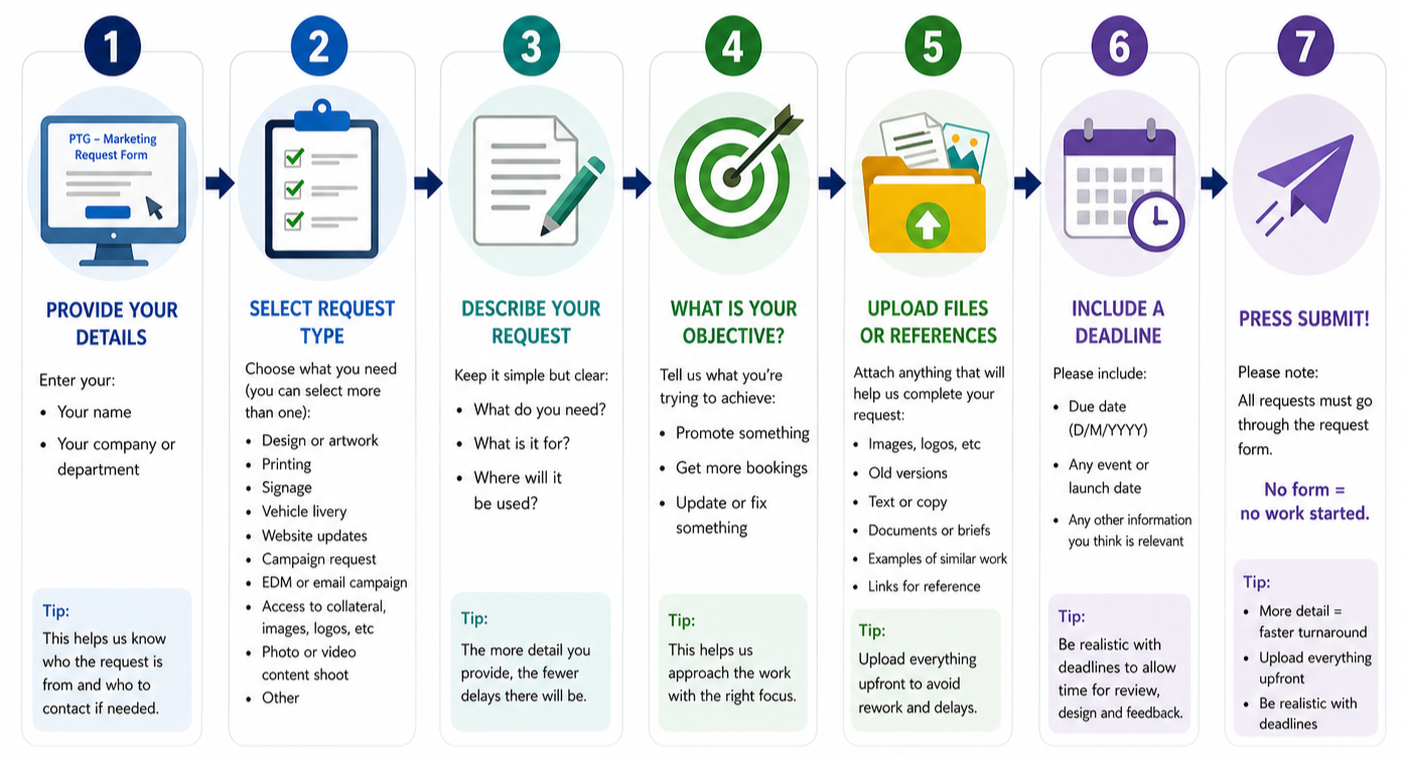
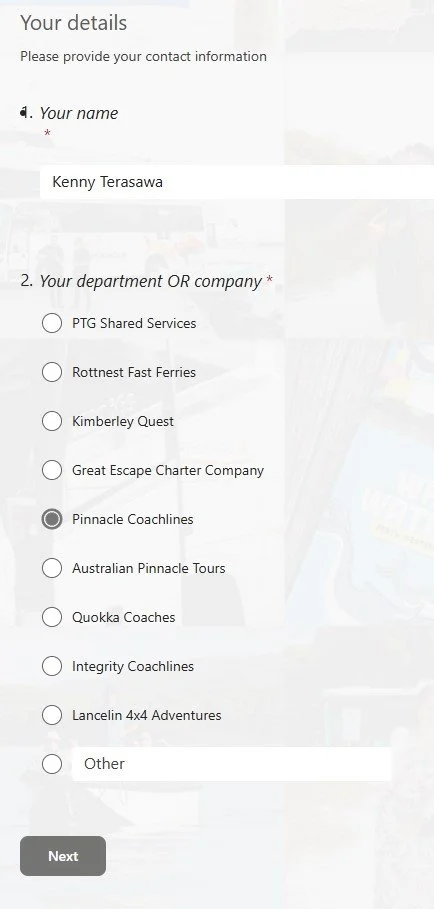
1. Provide your details:
Your name
Your company or department
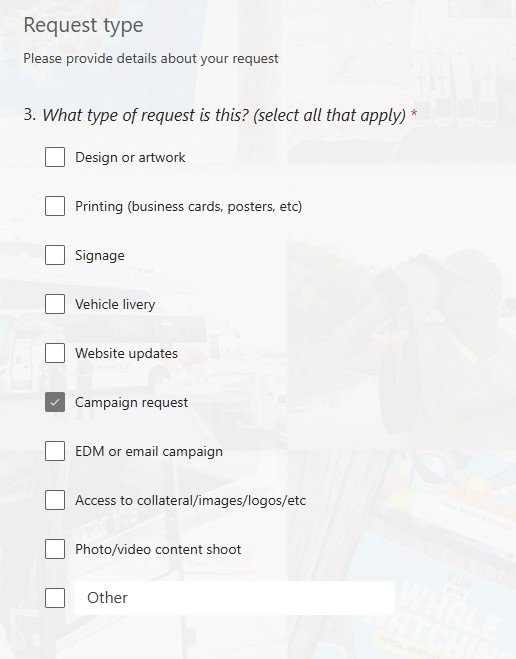
2. Select request type:
Choose what you need (you can select more than one)
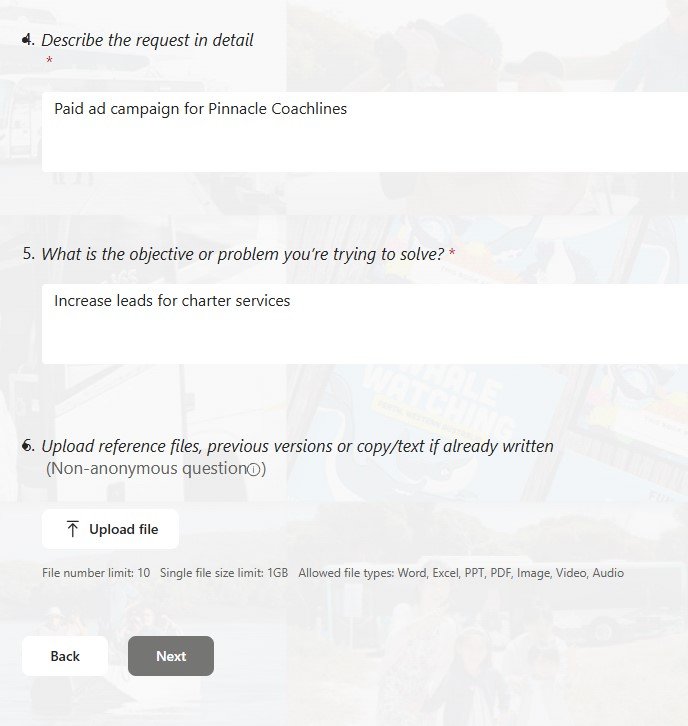
3. Describe your request:
Keep it simple but clear:
What do you need?
What is it for?
Where will it be used?
4. What is your objective/trying to achieve?
Promote something
Get more bookings
Update or fix something
5. Upload files
Please attach anything that will help us complete your request:
Images, logos, etc
Old versions
Text or copy
Documents or briefs
Examples of similar work
Links for reference
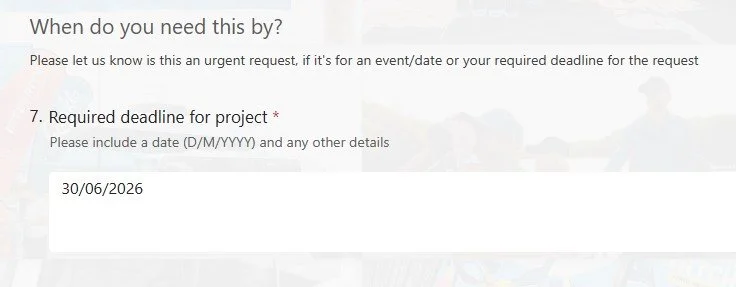
6. Include a deadline
Please include:
Due date (D/M/YYYY) - Feel free not to include one if you don’t have one!
Any event or launch date
Any other information you think is relevant
7. Press submit!
Please note:
All requests must go through the request form. No form = no work started.
More detail = faster turnaround
Upload everything upfront
Be realistic with deadlines